Change the background
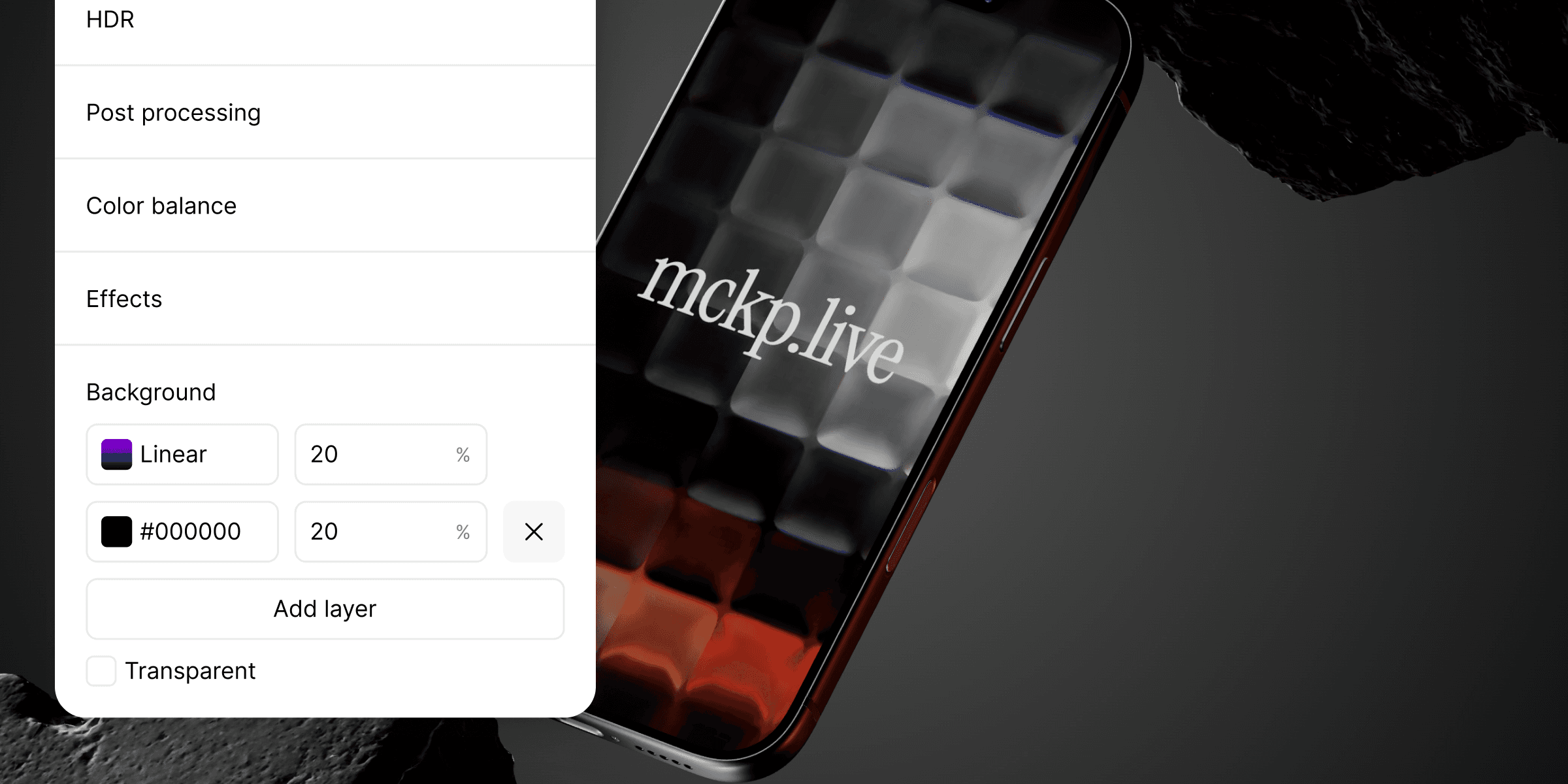
The background sets the mood around your mockup. mckp.live keeps it simple: pick a layer type, stack a few if you want depth, done.
The four layer types
Open the Background section in the side panel. Each layer can be one of four things:
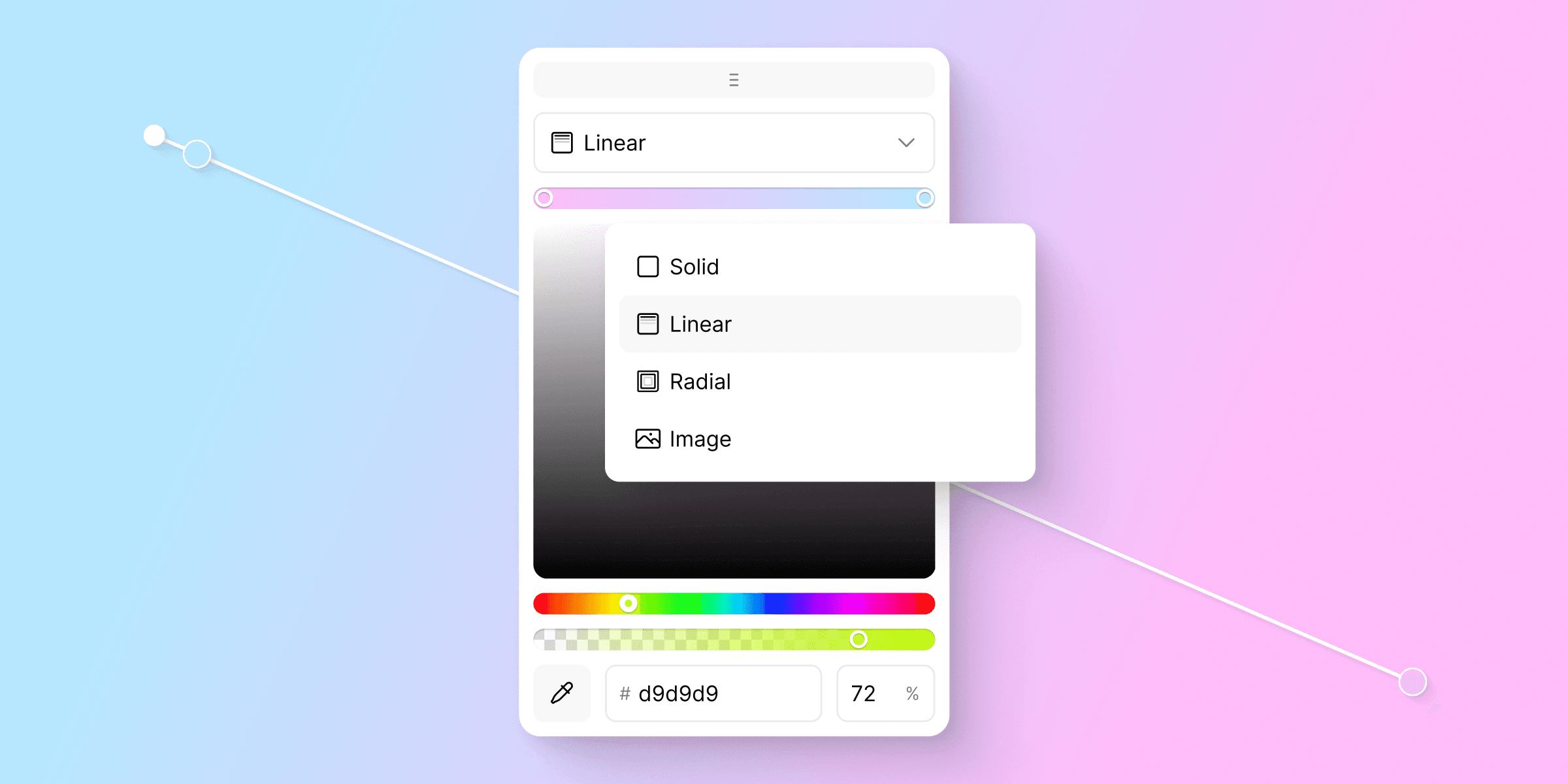
Solid. One flat color.
Linear. A straight gradient between two or more colors.
Radial. A gradient that radiates from one point outward.
Image. Any image as a background.
Click a layer to open its editor — color picker, hue slider, alpha slider, hex input, and an eyedropper for sampling. Each layer also has its own opacity percentage right next to it in the list.
Stacking layers
Want more depth? Click Add layer. The new layer sits on top of the rest.
Layers stack from bottom to top. Drop a Linear gradient on top of an Image to tint it. Add a Solid color at low opacity on top of everything to push the whole scene toward your brand.
You will rarely need more than two or three layers. One is usually enough.
Going transparent
Tick the Transparent checkbox at the bottom of the panel. The background disappears, and your site's own background shows through the embed.
Useful when you want the mockup to feel like part of the page instead of a thing pasted on top.
Common questions
Can I animate the background?
No. Animations apply to the device, not the background.
My gradient stops — can I drag them on the scene?
Yes. Both Linear and Radial gradients show draggable handles right on the scene. Move them to set angle, reach, or position.
Does the background export with the video and image?
Yes. The whole scene is exported, transparent included.