01
55 animation presets
8 devices, and counting

Here you make the motion yourself. Open a preset, drag a point on the timeline, watch it change.
We solved a large number of technical challenges to deliver the best mockup quality possible.
Working hard on new presets
Convenient and thoughtful interface
55 animation presets
8 devices, and counting
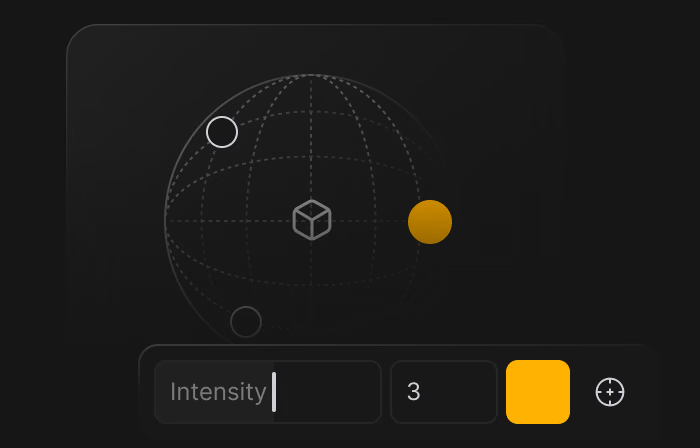
Custom lighting
Advanced light settings
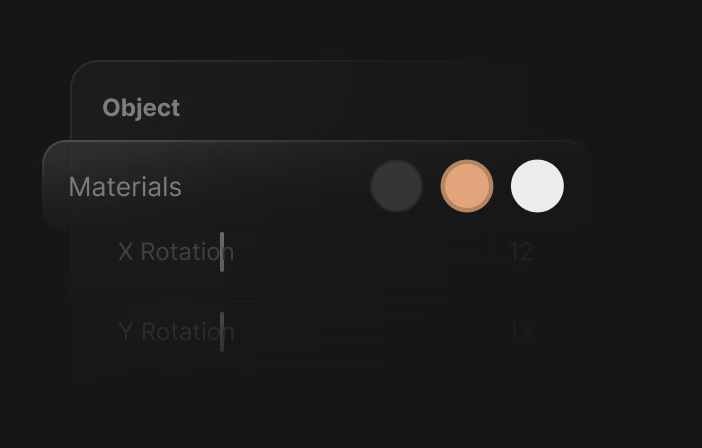
Different device materials
Choose the right finish
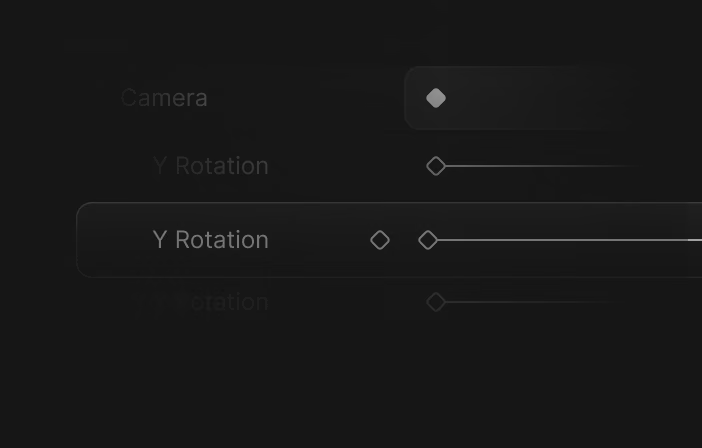
Keyframes right in browser
And it's very easy to use
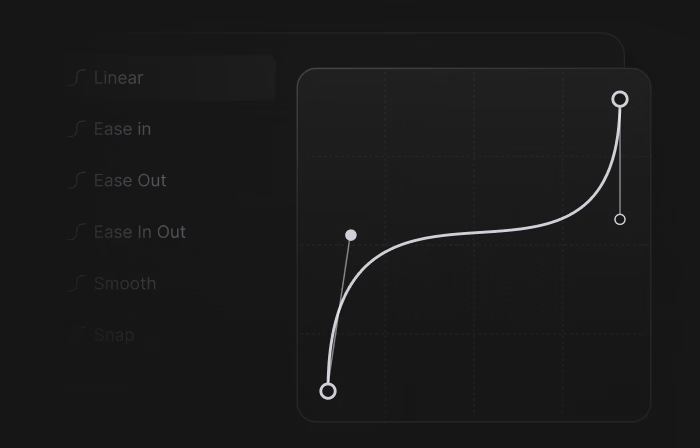
Easings
Ready-made or custom
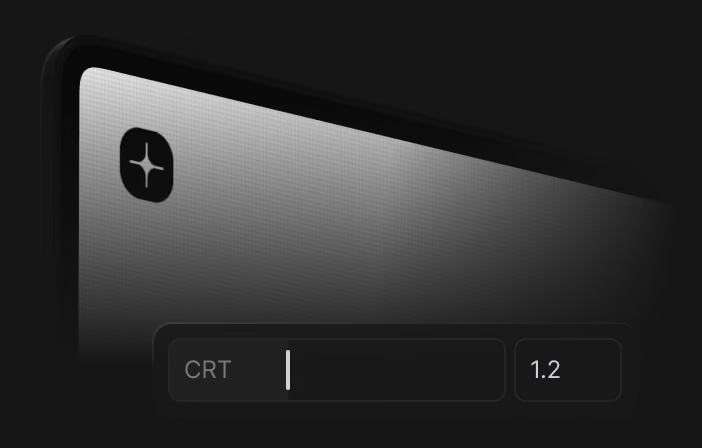
CRT screen effect
Stylize and add details
Realistic reflections
Easy to adjust on laptops
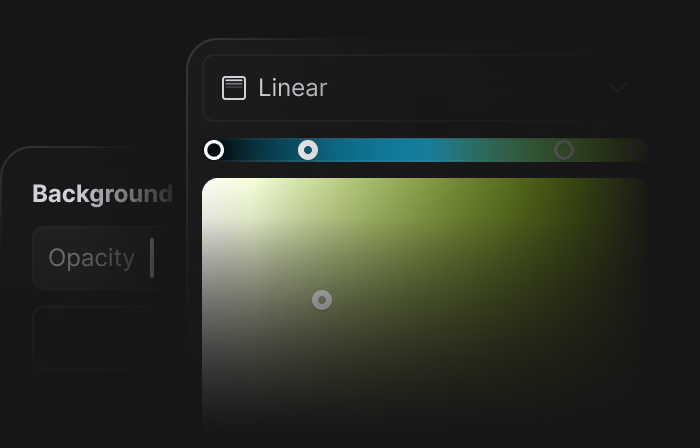
Custom backgrounds
Figma-like layered gradients
Video export with transparency
In webm format
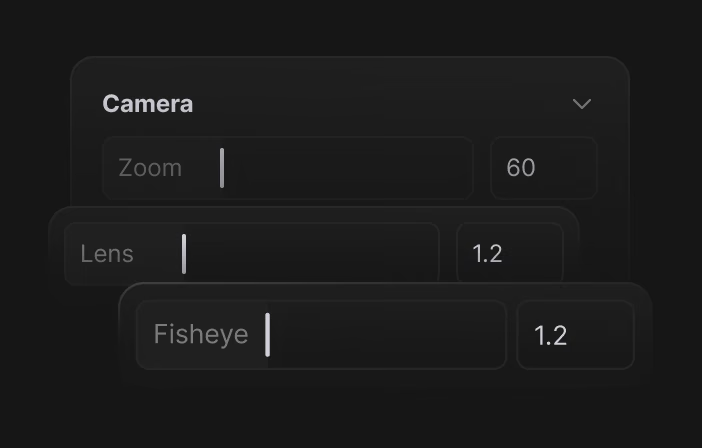
Lens and Fisheye effects
Looks stunning in composition
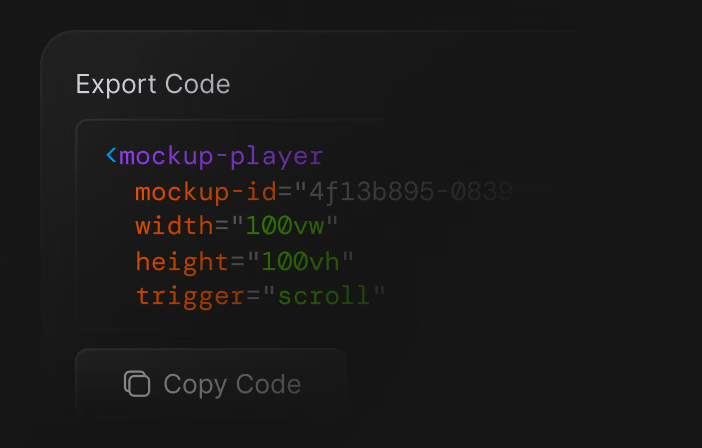
Your animation in an embed
Just copy the code
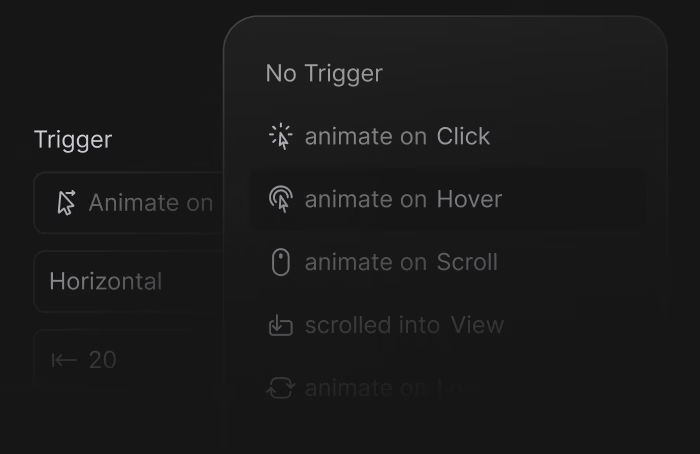
Triggers for embeds
Click, hover, scroll, or cursor.
No card needed.
Open App